
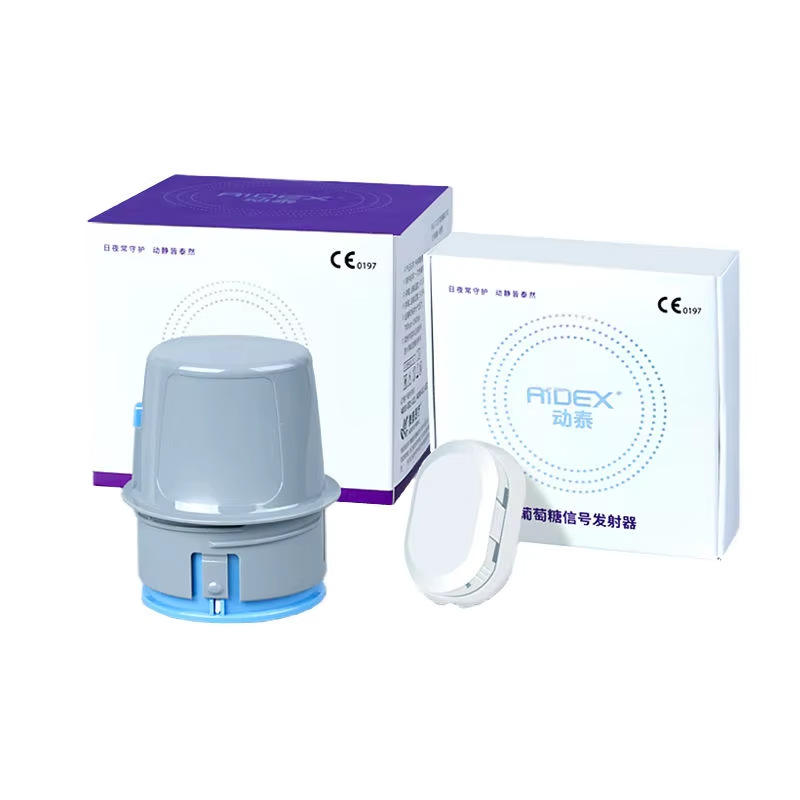
Blood glucose meters may be described as no-coding, auto-coding, code-chip or manually coded systems. These terms relate to how a meter and its compatible test strips are configured; they do not make different strip brands interchangeable. This no-coding vs coded blood glucose meter checklist explains what international buyers should verify before ordering a meter or replacement strips.
This article provides general product information only. Always follow the exact meter and test strip instructions and obtain qualified professional guidance where appropriate.
What Does No-Coding Mean?
A no-coding meter is designed to recognize or use its compatible strips without the user manually entering a strip code. The exact implementation varies by manufacturer. “No coding” does not mean that any test strip can be used.
- Confirm the exact compatible strip name.
- Check whether the meter uses automatic strip recognition.
- Verify whether a strip lot has model-specific requirements.
- Review the manual for error messages related to strips.
What Is a Coded Meter?
A coded system may require a code chip, calibration key, strip vial code or manual entry according to its instructions. The displayed code may need to match the current strip container before a test is performed.
Do not transfer a chip, code or strip from another meter generation unless the manufacturer explicitly lists it as compatible.
Common Coding Designs
| Design | What to verify |
|---|---|
| No-coding | Exact compatible strip model and whether any setup is required for a new vial |
| Auto-coding | How the meter confirms the strip or lot and what appears on screen |
| Manual code entry | Where the code is printed and how it is entered and confirmed |
| Code chip or key | Whether a chip is supplied with each strip package and which meter accepts it |
| Factory-set regional model | Whether strip and unit versions differ by country or generation |
Strip Compatibility Comes First
Coding method is only one feature. Before ordering, match the complete meter model, strip reference number, generation, unit and regional version. A no-coding strip from one system should not be used in another no-coding meter unless explicitly approved.
Use WongTech’s Glucose Monitoring Product Compatibility Checklist for a wider review.
Questions to Ask the Seller
- What is the exact meter model and regional version?
- What exact test strip name and reference number does it use?
- Is the system no-coding, auto-coding, manual-entry or code-chip based?
- If a code chip is required, is it included with every strip package?
- Where is the correct code shown?
- Does the meter warn when a code or strip is incorrect?
- Are strips available in the destination country?
- What unit does the meter display?
- Are English instructions included?
Changing to a New Strip Vial or Lot
Follow the exact procedure in the meter and strip instructions. Depending on the system, the user may need to confirm a code, insert a new chip, perform a control check or simply close the new vial promptly after removing a strip.
Do not mix strips from different vials, lots or models. Keep each strip container with its original label, expiration information and control range.
Control Solution and Coding
If the manufacturer requests a control check, use only the approved solution and the range printed for the exact strip lot and control level. A control result is a product check and should not be compared with a personal glucose target.
Read our Blood Glucose Meter Control Solution Compatibility Checklist.
App and Data Considerations
For connected meters, confirm whether coding information appears in the app or only on the physical meter. Verify that the official app supports the exact meter, phone and operating system.
- Does the app identify the meter model?
- Are control results marked separately?
- Does replacing a code chip affect pairing or records?
- Are measurement units consistent across the meter and app?
- Can records be exported with clear units and timestamps?
See the Bluetooth Blood Glucose Meter Phone Compatibility Checklist.
Package Contents to Confirm
Photos may show strips, lancets, control solution or a code chip that are not included. Compare the written package list.
- Meter and batteries
- Test strip quantity and model
- Code chip or calibration key, if required
- Lancing device and lancets
- Control solution, if included
- Carrying case
- English-language manual
- App or account instructions
Review WongTech’s Bluetooth Blood Glucose Monitoring System for listed package details.
Warning Signs in a Listing
- “Universal strips” without an exact compatibility list
- No meter or strip model number
- No explanation of the coding method
- A code chip shown but not listed in package contents
- Different meter generations mixed in photos
- Missing expiration, lot or storage information
- Claims that coding eliminates the need to follow instructions
Unboxing Checklist
- Compare the delivered model with the order.
- Identify the compatible strip model.
- Confirm the coding design in the manual.
- Check whether any required chip or key is included.
- Verify the display unit and language.
- Check strip packaging, lot and expiration information.
- Do not use the product if model, strips or coding parts differ from the listing.
- Contact the seller before opening additional consumables if a return may be needed.
Frequently Asked Questions
Is a no-coding meter more accurate than a coded meter?
Coding design alone does not establish performance. Review the exact product specifications, instructions and permitted strips.
Can any no-coding strip work in any no-coding meter?
No. Test strips remain model-specific unless the manufacturer explicitly states compatibility.
What happens if the meter code does not match the strip vial?
Do not proceed based on generic advice. Follow the manufacturer’s error and setup procedure for the exact system.
Is a code chip reusable with a new strip lot?
This varies. Use the chip or key supplied or specified for the exact strips and follow the manual.
Does a Bluetooth app replace meter coding?
Not necessarily. Coding and app connectivity are separate functions. Check both the meter and app instructions.
Should strips be moved into a smaller container?
Keep them in their original labelled container unless the manufacturer explicitly provides another method.
Final Buying Checklist
- Exact meter and regional version confirmed
- Compatible strip reference identified
- Coding design documented
- Required chip, key or manual code understood
- Strip lot and vial handling procedure available
- Control solution requirements checked
- App and data compatibility verified
- Package contents confirmed
- Replacement strips available in the destination market
Browse WongTech’s Glucose Monitoring products. For storage guidance, read How to Store Blood Glucose Test Strips and Check Their Expiration and the mg/dL vs mmol/L Compatibility Guide. Before ordering, review the Shipping Information and Return & Refund Policy.
Target keyword: no-coding vs coded blood glucose meter.
Suggested image alt text: “No-coding vs coded blood glucose meter buying checklist.”
This article provides general product information and does not replace manufacturer instructions or professional medical advice.