
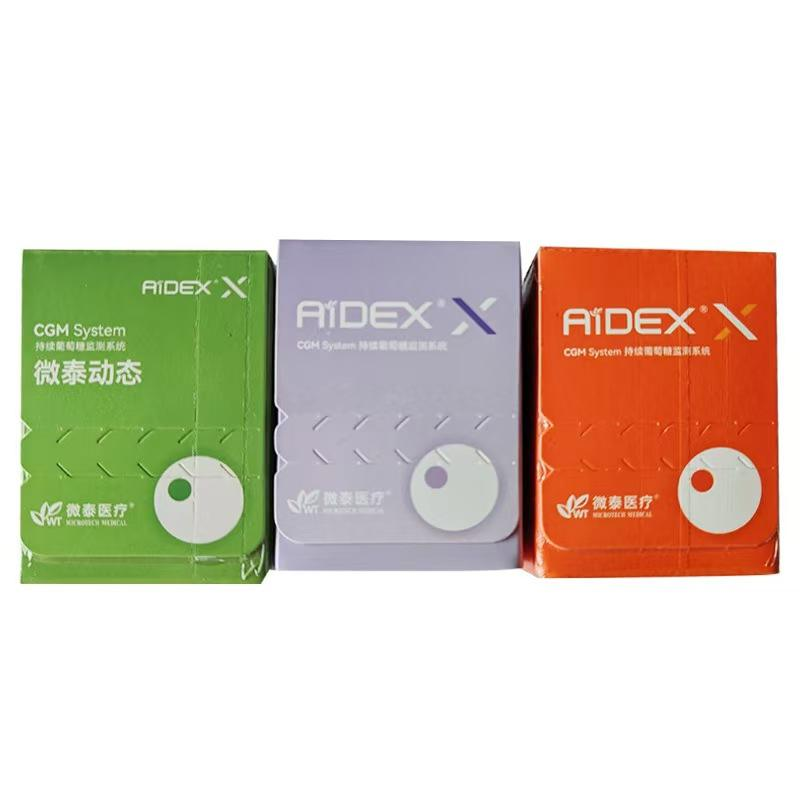
Travel can expose continuous glucose monitoring (CGM) supplies to airport screening, temperature changes, limited charging access and differences in mobile connectivity. This traveling with a CGM checklist covers product preparation, packing and compatibility questions to review before departure.
Always follow the current instructions for your exact CGM model and the requirements of your airline, airport and destination. This article provides general product information and does not replace professional medical advice.
Start With the Exact CGM Model
Record the complete sensor, transmitter, receiver and app names. Different generations from one brand may use different applicators, phones, charging accessories or screening guidance. Keep the manufacturer’s support details and relevant instructions available offline.
If you are comparing systems, review WongTech’s AiDEX Continuous Glucose Monitoring System – Second Generation and browse our Glucose Monitoring category.
Check Airport Screening Guidance Before You Fly
Do not assume that every sensor, transmitter or receiver can go through every screening system. Consult the device manufacturer’s current travel guidance and the official security authority for each airport. Screening equipment and procedures vary by country and may change.
- Identify which components may be worn during screening.
- Check whether X-ray, millimeter-wave or other screening methods have device-specific restrictions.
- Ask the security authority how to request an alternative inspection if the manufacturer requires one.
- Keep supplies in their original labelled packaging where practical.
- Allow extra time for inspection and explanation.
Do not voluntarily remove an active sensor or disconnect a component unless the manufacturer instructions or an appropriate professional specifically directs you to do so.
Pack Essential Supplies in Carry-On Luggage
Checked luggage can be delayed, lost or exposed to unsuitable temperatures. Subject to airline and security rules, keep essential CGM supplies with you.
- Unopened sensors and applicators
- Compatible transmitter or receiver
- Phone and approved charging cable
- Power bank permitted by the airline
- Compatible backup monitoring supplies
- Skin-preparation items allowed by the product instructions
- Approved overpatches or protective accessories
- Original labels, prescriptions or supporting documents when required
- Manufacturer contact and model information
Pack a reasonable reserve based on trip length, possible delays and the manufacturer’s wear schedule. Do not use supplies past their stated expiration or storage limits.
Protect Sensors From Temperature Extremes
Check the storage temperature and humidity stated on the sensor packaging and instructions. Airport ramps, vehicles, hotel refrigerators and direct sunlight can create unsuitable conditions.
| Travel situation | What to review |
|---|---|
| Hot vehicle | Do not leave supplies where temperatures may exceed the stated range. |
| Cold climate | Protect supplies from freezing and condensation. |
| Hotel refrigerator | Use only if the manufacturer permits refrigeration and the temperature is controlled. |
| Insulated pouch | Avoid direct contact with ice or frozen packs unless an approved method is specified. |
| Long connection | Plan storage for the complete door-to-door journey, not only the flight time. |
Review Phone and App Compatibility
Before leaving, verify that the CGM app supports your phone and operating-system version. Check whether the app needs internet access for sign-in, activation, updates or data synchronization. Avoid installing a major phone update immediately before travel unless the manufacturer confirms compatibility.
- Sign in and confirm the app is working before departure.
- Enable only the required Bluetooth and notification permissions.
- Keep the phone charged and review battery-saving settings.
- Confirm whether roaming or Wi-Fi is required for specific features.
- Store necessary support information and instructions offline.
Read our Bluetooth glucose meter phone compatibility checklist for broader mobile-device questions.
Plan for Time-Zone Changes
Phone, receiver and meter clocks may change automatically or require manual adjustment. Follow the CGM manufacturer’s instructions for changing time zones and interpreting records across the transition. Do not change device time repeatedly without understanding how it affects stored data, alerts or reports.
If timing decisions affect personal health management, discuss the trip with a qualified healthcare professional before departure.
Sensor Adhesion During Travel
Heat, humidity, swimming, long flights, backpacks and tight clothing can affect an adhesive patch. Inspect the sensor area regularly and use only an overpatch or cover confirmed compatible with the exact model.
See WongTech’s CGM Sensor Adhesion and Daily Wear Checklist for placement, clothing and accessory considerations.
Documents and Destination Checks
- Review airline rules for batteries, liquids, sharps and medical supplies.
- Check customs and import requirements at the destination.
- Carry documentation required by the airline, security authority or local rules.
- Keep products in clearly labelled packaging.
- Check whether compatible replacements are available locally.
- Save travel-insurance and manufacturer-support contact details.
Rules differ, so use official airline, airport, customs and manufacturer sources for the specific journey.
What to Do if a Component Is Lost or Damaged
Before travel, learn the manufacturer’s procedure for a failed sensor, damaged transmitter, lost receiver or unavailable app. Keep model and lot information where possible. Do not attempt to repair, reinsert or reuse a detached sensor.
If readings are unavailable, inconsistent with how you feel or otherwise concerning, follow the official backup procedure supplied with the system and seek appropriate professional assistance.
Day-Before-Departure Checklist
- Confirm all component model numbers and expiration dates.
- Review airport screening guidance for the exact device.
- Check storage limits for the full route and destination.
- Pack essential supplies and a reasonable reserve in carry-on luggage.
- Test the phone, app, Bluetooth connection and charging accessories.
- Download instructions and support information for offline use.
- Confirm compatible backup supplies are packed.
- Review airline, security, customs and destination requirements.
- Check the active sensor’s adhesion and stated replacement date.
- Keep required documents accessible.
Frequently Asked Questions
Can a CGM go through airport security?
Requirements depend on the exact device and screening technology. Follow the manufacturer’s current guidance and the official airport security process.
Should CGM sensors go in checked luggage?
Essential supplies are generally better kept accessible, subject to airline and security rules. Checked bags can be delayed and may experience unsuitable temperatures.
Can I refrigerate CGM sensors in a hotel room?
Only if the manufacturer permits refrigeration and the appliance maintains the required range without freezing or condensation.
Will my CGM app work in another country?
Bluetooth functions, accounts, internet access and regional app availability vary. Confirm requirements before travel and keep instructions available offline.
Should I change the receiver time when crossing time zones?
Follow the manufacturer’s time-zone instructions. Clock changes can affect stored records, reports or alerts.
Can I pack extra sensors?
Plan a reasonable reserve within expiration and storage limits, while following airline, security and destination regulations.
Final Travel Review
Successful preparation means treating the CGM as a complete system: sensor, transmitter, receiver or phone, app, power, compatible backup supplies and documentation. For setup information, read How to Use AiDEX 2 CGM. Before ordering, also review WongTech’s Shipping Information and Return & Refund Policy.
Target keyword: traveling with a CGM checklist.
Suggested image alt text: “Traveling with a CGM airport storage and packing checklist.”
This article provides general product and travel-preparation information. Follow current manufacturer instructions and obtain professional guidance where appropriate.